Migrate from JabRef
Import your existing JabRef library directly into Paperpile following these steps:
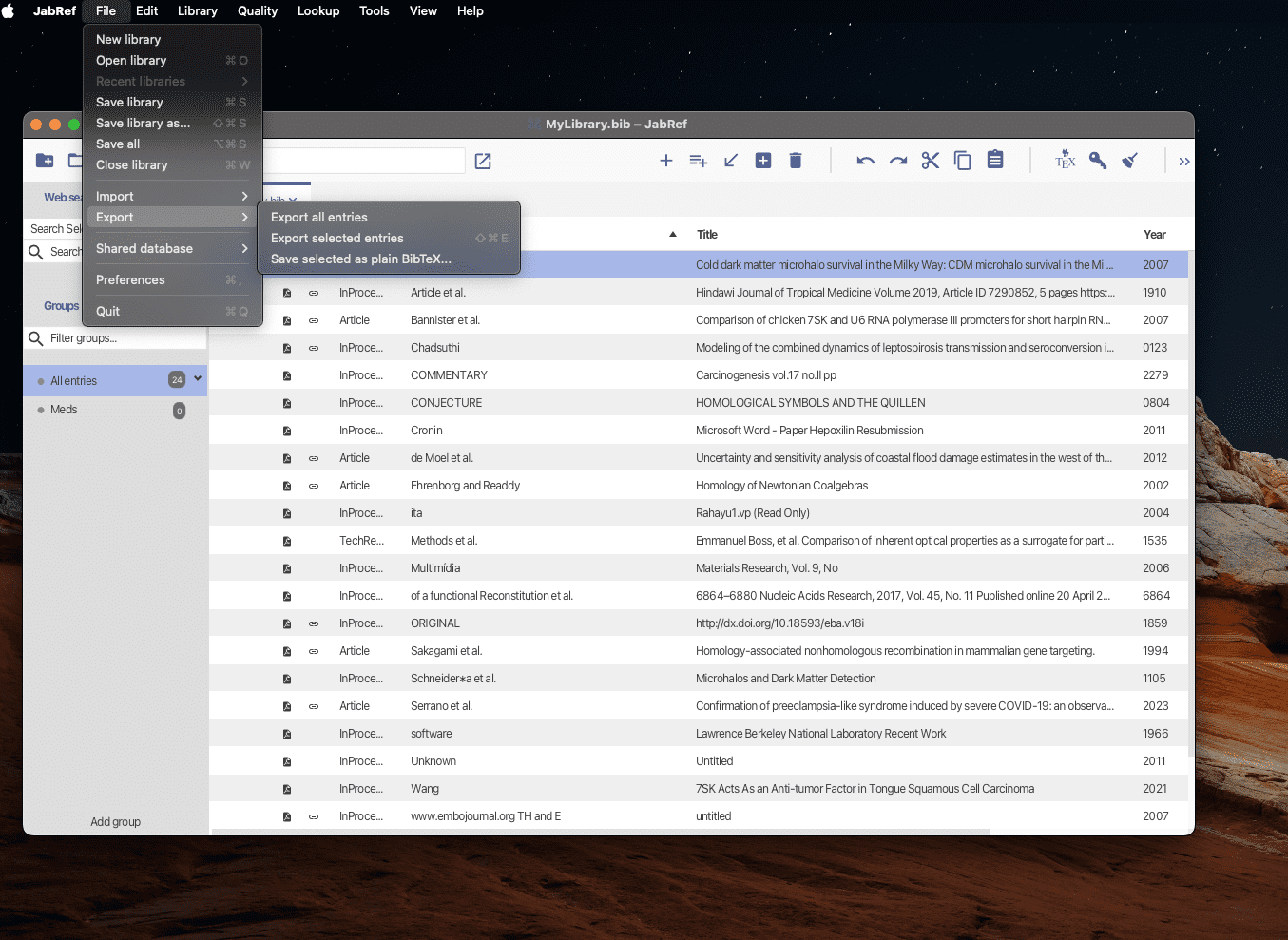
- Export your JabRef library as BibTeX, which is the default format of your library. Or, alternatively, you can select individual entries to export JabRef. Go to File > Export > Export selected entries and choose BibTeX or RIS format.
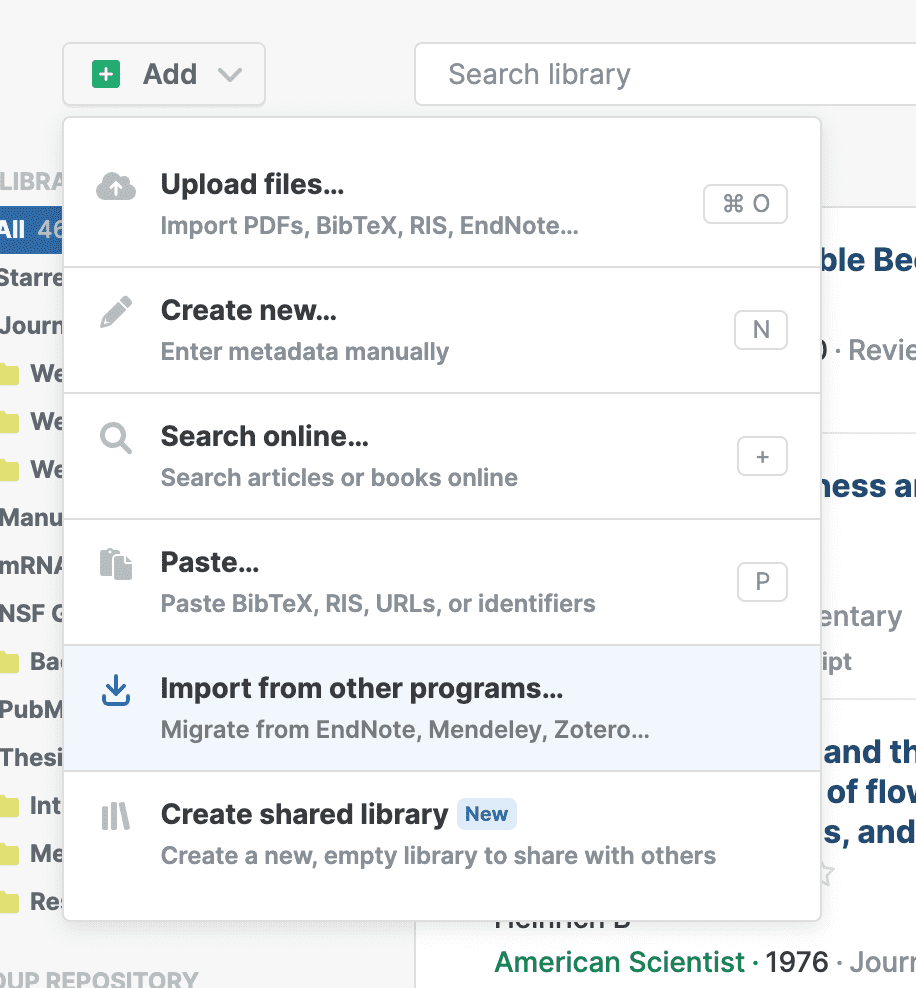
- In Paperpile, open the Add menu
- Choose Import from other programs > JabRef
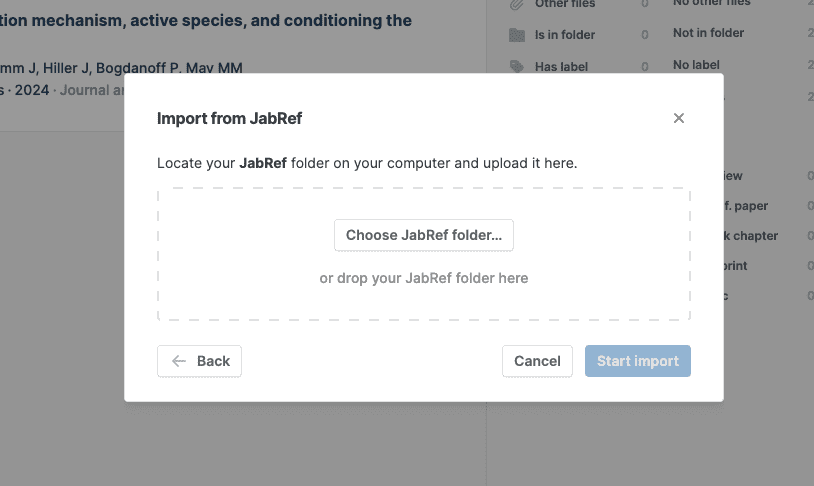
- You can create a new folder on your computer for your exported JabRef bibliography and related PDF files. Drag and drop the folder in the Choose JabRef folder… field.
- Click Start import